New Buttons & Events for Manual Bank Linking and Payment Funding
We've added two new buttons to the Link Account and Payment Fund UI components for users manually linking a bank account or funding a payment runPayment Run A list of payments created by Buyers to settle their outstanding financial obligations with their suppliers. Payment runs are typically managed by the accounts payable function within a business on a periodic basis and go through stages of creation, authorisation, funding, and execution.. Clicking these buttons now triggers two new events to confirm user interaction.
Effective:
- Sandbox: 11 March 2025
- Production: 11 March 2025
Link Account UI Component
We've added a new 'Transfer Completed' button to the Link Account UI component for users manually linking an account instead of using Open BankingOpen Banking A service that allows customers to securely share their bank account information and authorize payments directly from their bank account. In Payment Run, Open Banking can be used to link accounts and fund payment runs, providing a seamless experience for buyers.. Users can click this button (see image below) to notify you that the linked account control check step is complete.
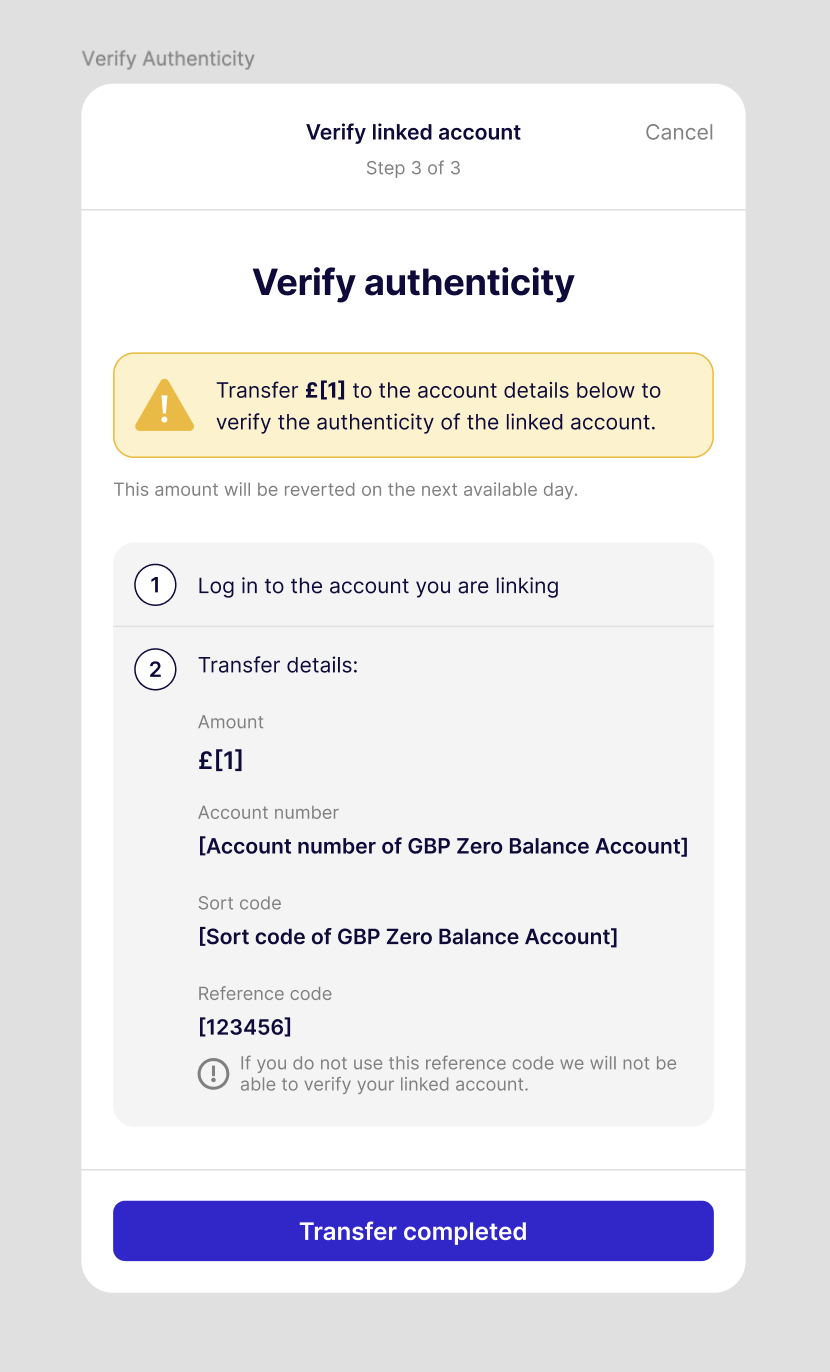
Clicking this button does not confirm that the user has completed the transfer.
When the user clicks the button, the UI component triggers a TRANSFER_COMPLETED event. For more details, refer to the Link Account UI component documentation.
Payment Fund UI Component
We've also added a new 'Funding Completed' button to the Payment fund UI component for users manually funding a payment runPayment Run A list of payments created by Buyers to settle their outstanding financial obligations with their suppliers. Payment runs are typically managed by the accounts payable function within a business on a periodic basis and go through stages of creation, authorisation, funding, and execution. instead of using Open BankingOpen Banking A service that allows customers to securely share their bank account information and authorize payments directly from their bank account. In Payment Run, Open Banking can be used to link accounts and fund payment runs, providing a seamless experience for buyers.. Users can click this button (see image below) to notify you that the Payment Run has been funded.
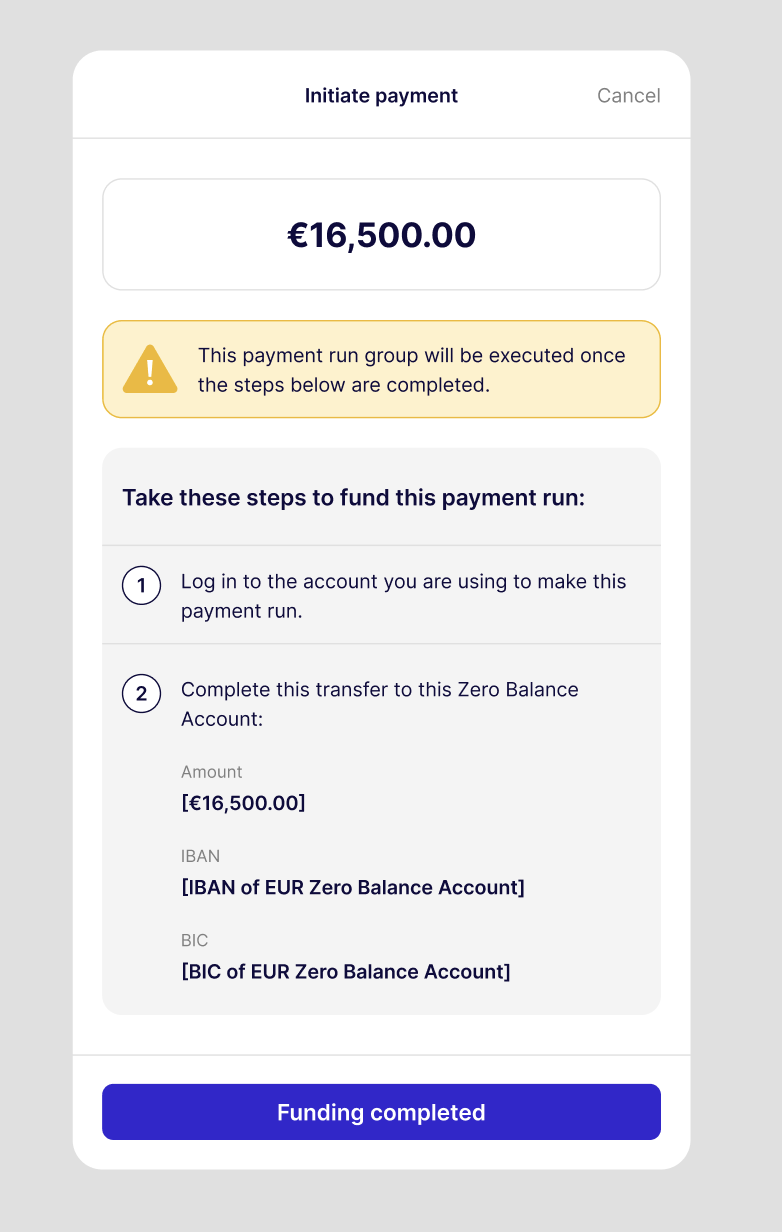
Clicking this button does not confirm that the user has completed the funding request.
When the user clicks the button, the UI component triggers a FUNDING_COMPLETED event. For more details, refer to the Payment Fund UI component documentation.